Two-Factor Authentication and Passkey Sign-In, Ahead of Bank Sync
Every Eider account can now turn on two-factor authentication and save a passkey, and the iPhone and Android apps sign in with one. Both arrive ahead of bank sync, which will import your bank charges so you can split them in a nest.
Two-factor authentication and passkeys are on for every Eider account. You can turn on two-factor and save a passkey on the web, iPhone and Android, under Sign-in & security in your account menu. Signing in with a passkey works in the iPhone and Android apps.
Two-factor adds a six-digit code from an authenticator app to every password sign-in. A passkey replaces the password. Your device or a password manager like 1Password keeps it, and Face ID, Touch ID, your fingerprint or the screen lock unlocks it.
They come now because bank sync comes next. Bank sync will connect a bank account or card through Plaid, so your bank charges can be imported into Eider and split in one of your nests. Offering two-factor authentication and passkeys increases your Eider account security so you can safely import your financial data.
Bank sync and Eider Plus will be available this fall.
How two-factor and passkeys work in Eider
Turning either one on starts with Eider checking it's you. Two-factor asks for your password. A passkey needs a sign-in from the last ten minutes, and if yours is older, you sign in again first.
Two-factor works with 1Password, Authy, Google Authenticator or any app that makes codes. Eider shows a code to scan, with a setup key to copy if you can't, and asks for one six-digit code to prove the app is in step. You get ten backup codes for when the app isn't to hand. They're shown once, and you can copy them or save them as a text file.
After that, every password sign-in asks for a code, on every device. There's no option to skip it on a trusted one. Signing in with an emailed code is turned off for the account, so the code can't be sidestepped that way, and ten wrong codes stop sign-in for fifteen minutes. Signing in with Google or Apple goes through their own checks instead.
If you only sign in with Google or Apple, there's no password for the code to sit behind. Eider confirms it's you with that provider, helps you make a password, then adds the code.
After you sign in, Eider offers to save a passkey on that device. In the iPhone and Android apps, signing in after that is one look or one touch. You can save as many as you like and remove any of them from Sign-in & security, which asks before it removes one.
Eider keeps only a passkey's public key, which can check a sign-in but can't be used to make one.
Bank sync is next, as part of Plus
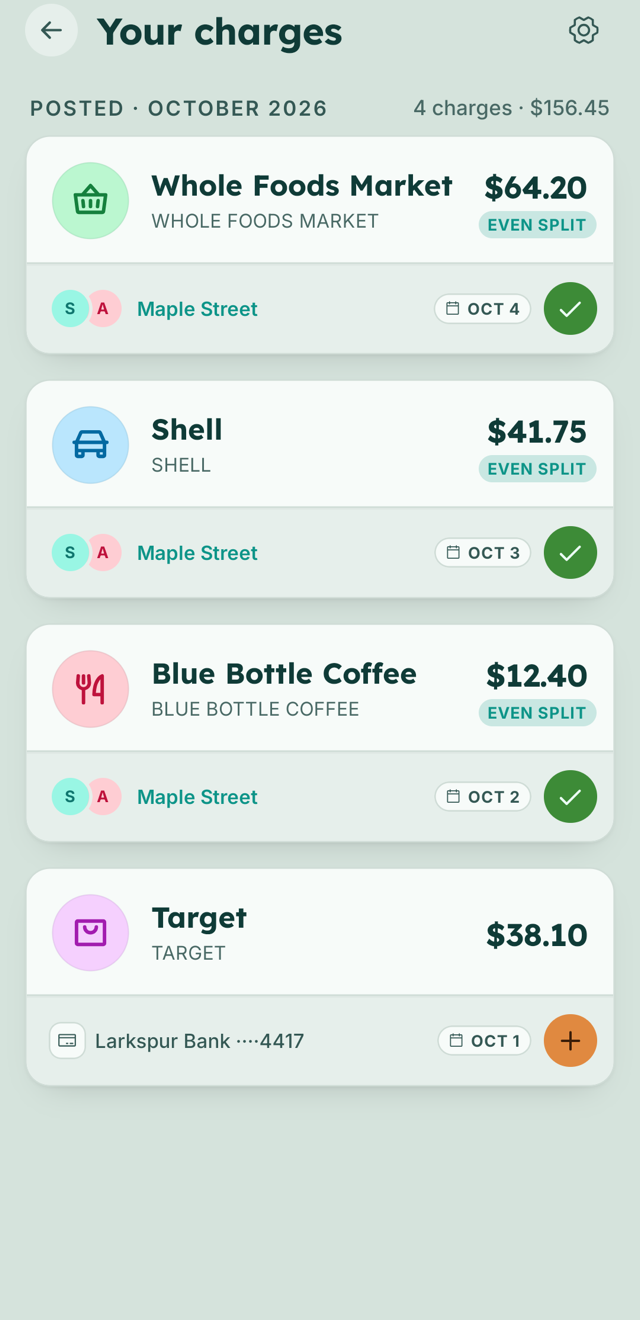
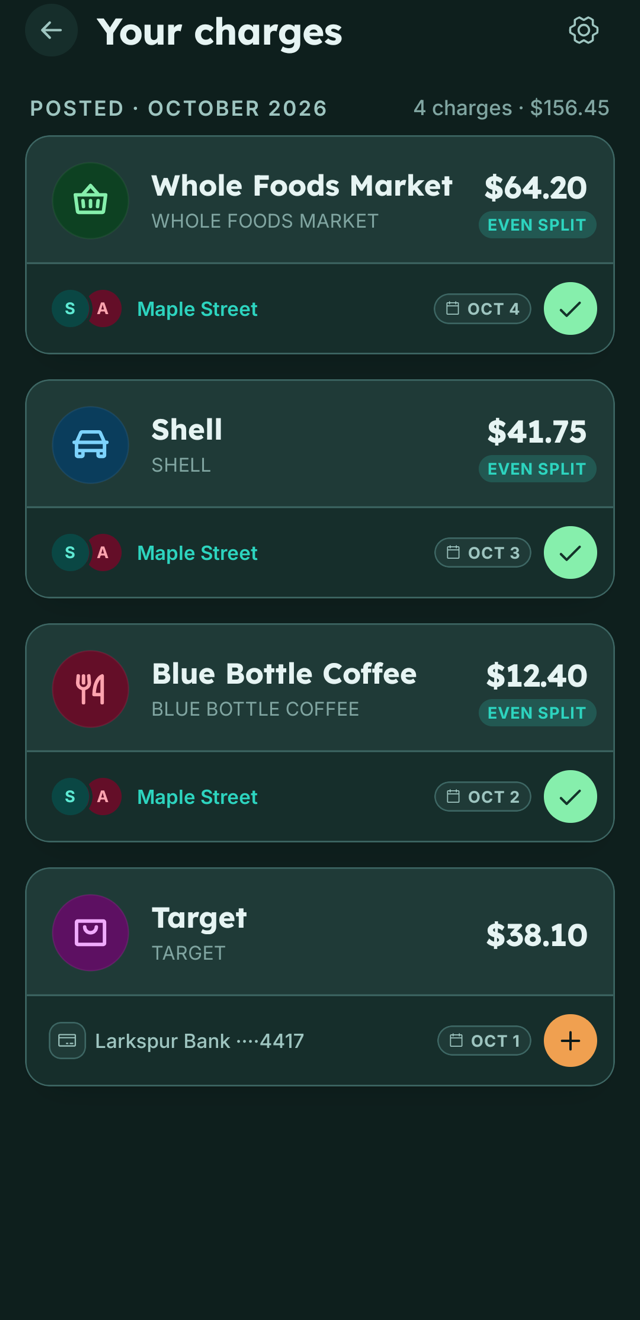
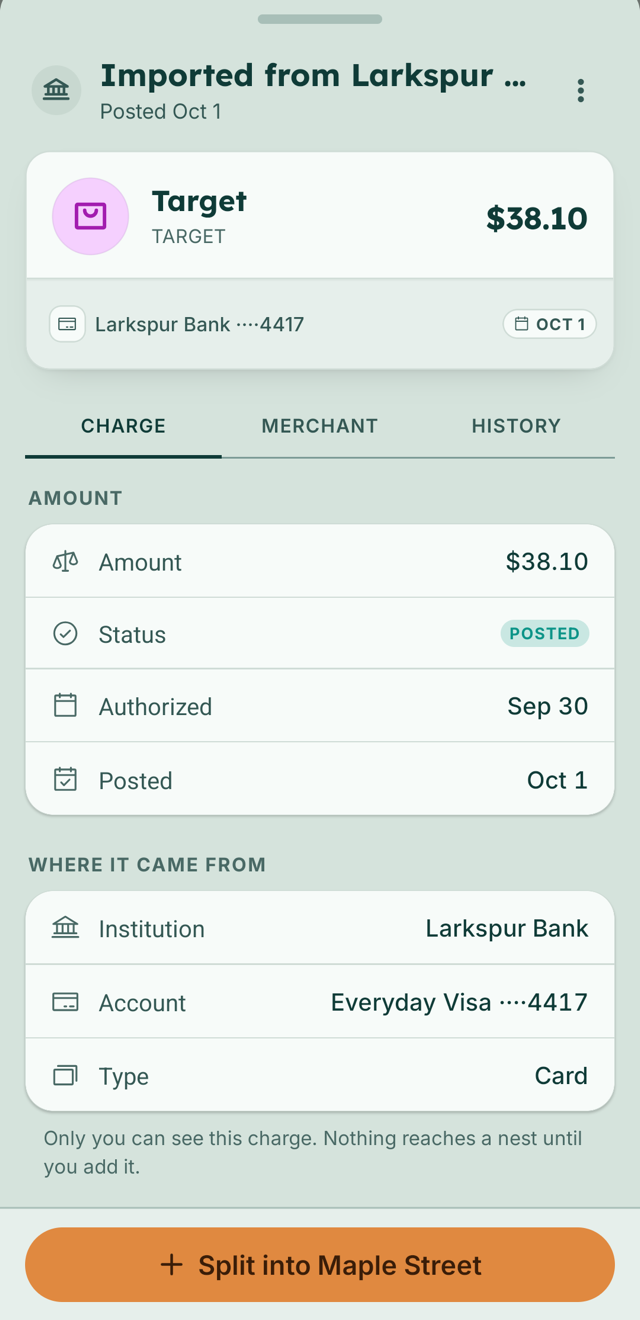
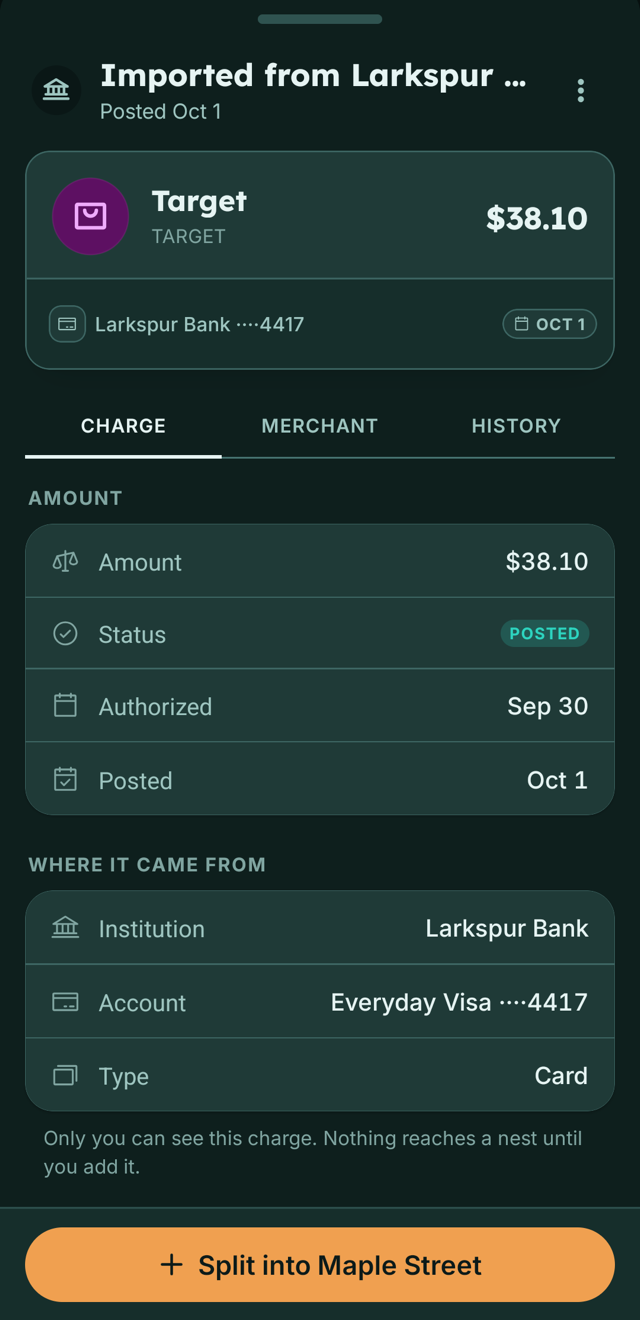
Bank sync will connect a bank account or card through Plaid. Its charges will sync to your charges feed similarly to how you see them at your bank, but you'll be able to import multiple accounts into the same feed for a complete overview of your spending. This feed is private to you, and you decide which charge gets split into a nest as an expense. The nest then sees an ordinary expense, with the account shown as your name and the card brand, like "Alex's VISA". The nest's members won't see the last four digits, your balance or any charge you didn't add.
The connection will be read-only. You'll sign in to your bank inside Plaid, and Eider never sees that password. Eider can't move money through the connection either. There are no transfers, no payments and no card controls on it.
Bank sync will be part of Plus, and Plus launches at a discount on the web: $4.99 a month for the first three months, $4 off the regular $8.99, or $49.99 for the first year, $40 off the regular $89.99. Everything that's free today stays free, and Plus adds on top of it. A Plus overview page will be added on launch, and you'll be able to review its features in-app before purchase.
What Eider keeps, and what it doesn't
Your password is stored only as a salted hash, never in readable form. Sessions live in secure, signed cookies that scripts on a page can't read, and sign-in is checked on our servers. Traffic between your device and Eider is encrypted with TLS, and the database encrypts what it stores.
When bank sync opens, two things from it get a second layer of encryption: the token that keeps a connected account importing, and the account's last four digits. Both are encrypted with AES-256-GCM on top of the database's own encryption, and the key is kept outside the database.
Bank passwords and card numbers stay out of Eider entirely. You'll type the first into Plaid when you connect a bank. When you buy Plus, you'll pay through Stripe on the web or through Apple or Google in the apps, and your card number stays with them. We never sell your personal information or data, and we never share it for advertising.
Face ID and your fingerprint are checked by your phone, and a passkey's private key never reaches Eider. Eider keeps only a passkey's public key, which can check a sign-in but can't be used to make one.