Import your Splitwise History with the Balances Checked
Export a Splitwise group, import the file into a nest, and Eider checks each person's balance against the file before anything comes in. Importing is free.
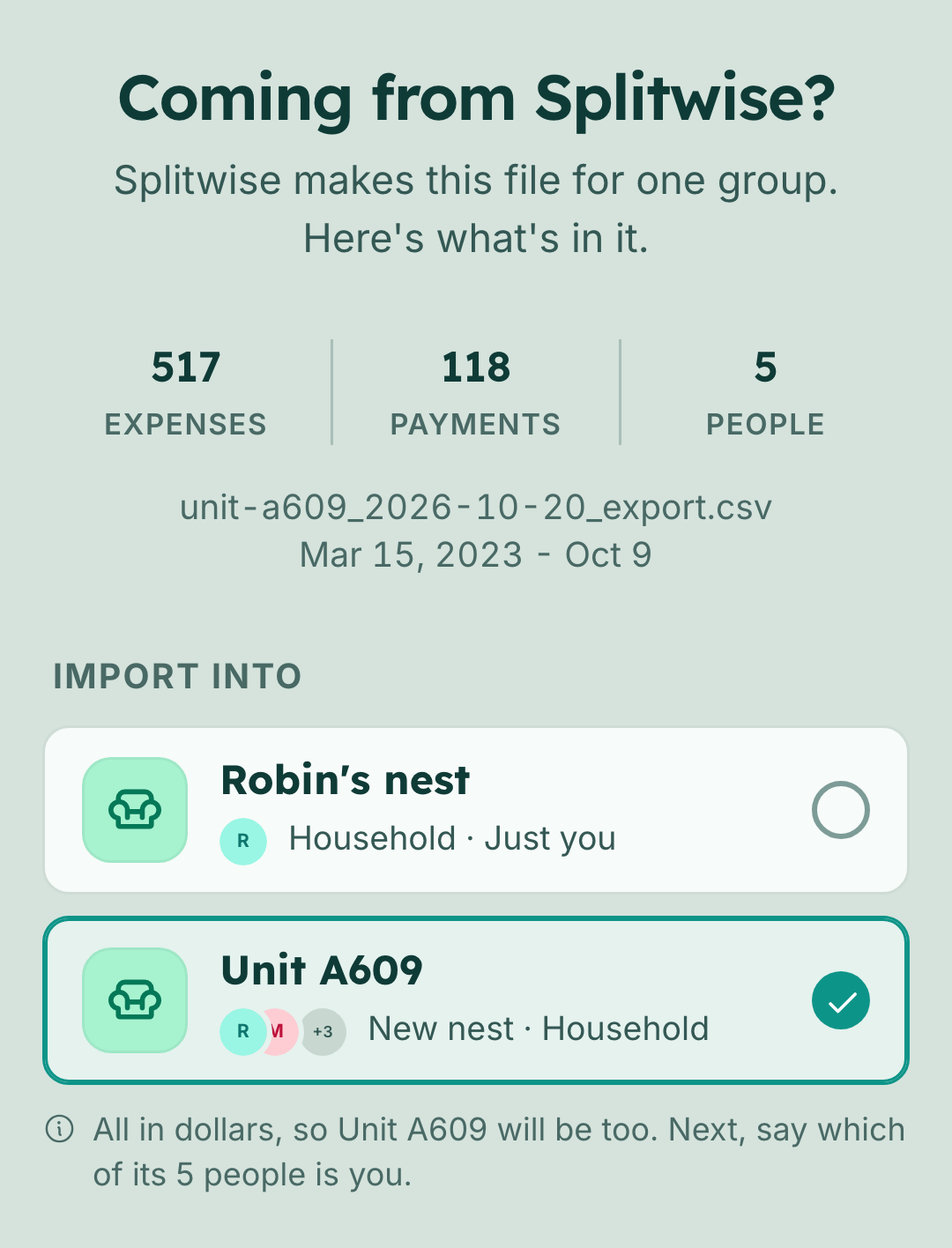
Eider imports Splitwise history. Export a group or friendship from Splitwise as a spreadsheet, choose the file in Eider, and its expenses and payments come into a nest with who paid and each person's share. Importing is free, on the web and in the phone app.
The same button takes any CSV: a download from your bank, or a spreadsheet you've kept yourself. It's Import expenses in the nest menu, and the docs page covers where to find the export in Splitwise.
Splitwise exports one group or friendship at a time, so each one is its own import. An import has four steps.
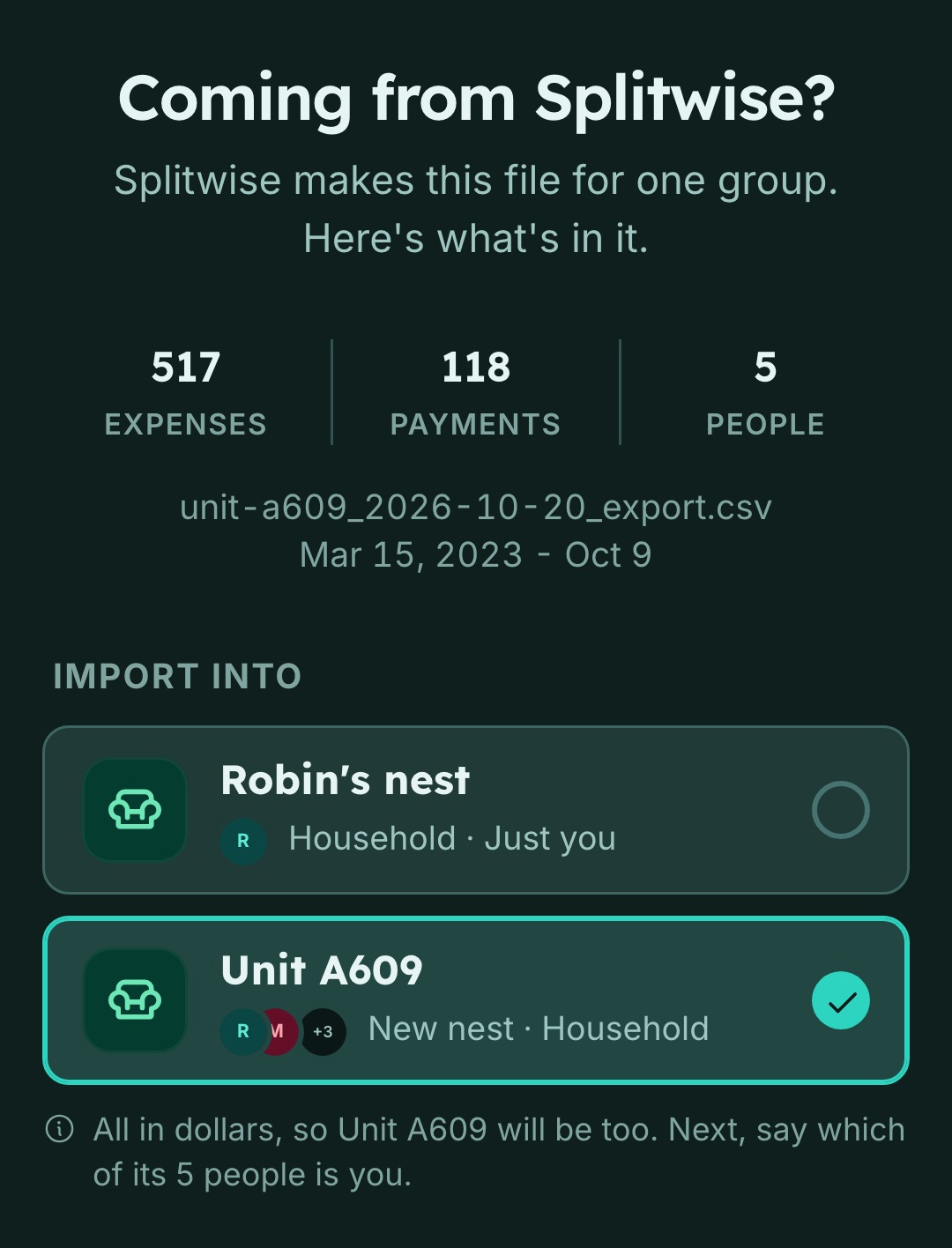
- 1You choose the fileEider reads it and shows how many expenses, payments and people it holds. It can go into the nest you started from, or a new nest of its own.
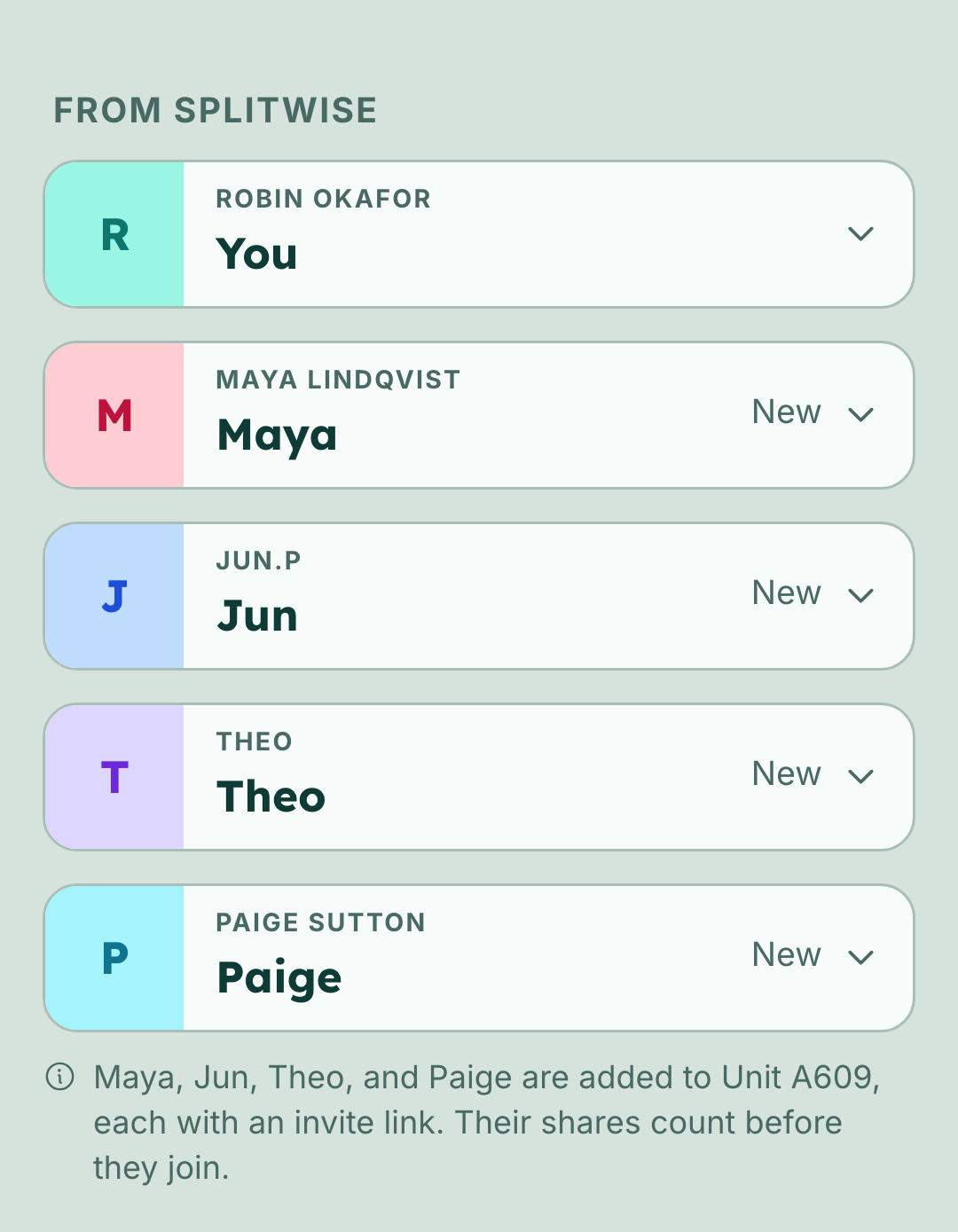
- 2You match the peopleWho's who matches each person in the file to someone in the nest, or to someone new. Similar names are matched already, and you can change any of them.
- 3You check how it landsHow it lands shows the periods the file makes, what looks like it's already here, and whether the balances match.
- 4You importNo expense comes in before this. A long file keeps coming in after Eider opens Activity, and an interrupted import picks up where it stopped.
Checked against the file's own totals
A Splitwise export carries a Total balance row with each person's net, one row per currency. Eider adds up every row per person and compares the result with that row. It also checks each row on its own: the cells have to net to exactly zero, and a payment has to move one amount from one person to one other.
If any of that fails, nothing comes in. A file that's wrong in one place can't be trusted in the others, so Eider doesn't bring in the rows that look fine and leave you to find the rest. The usual cause is a file opened and saved in a spreadsheet app, and a fresh export fixes it.
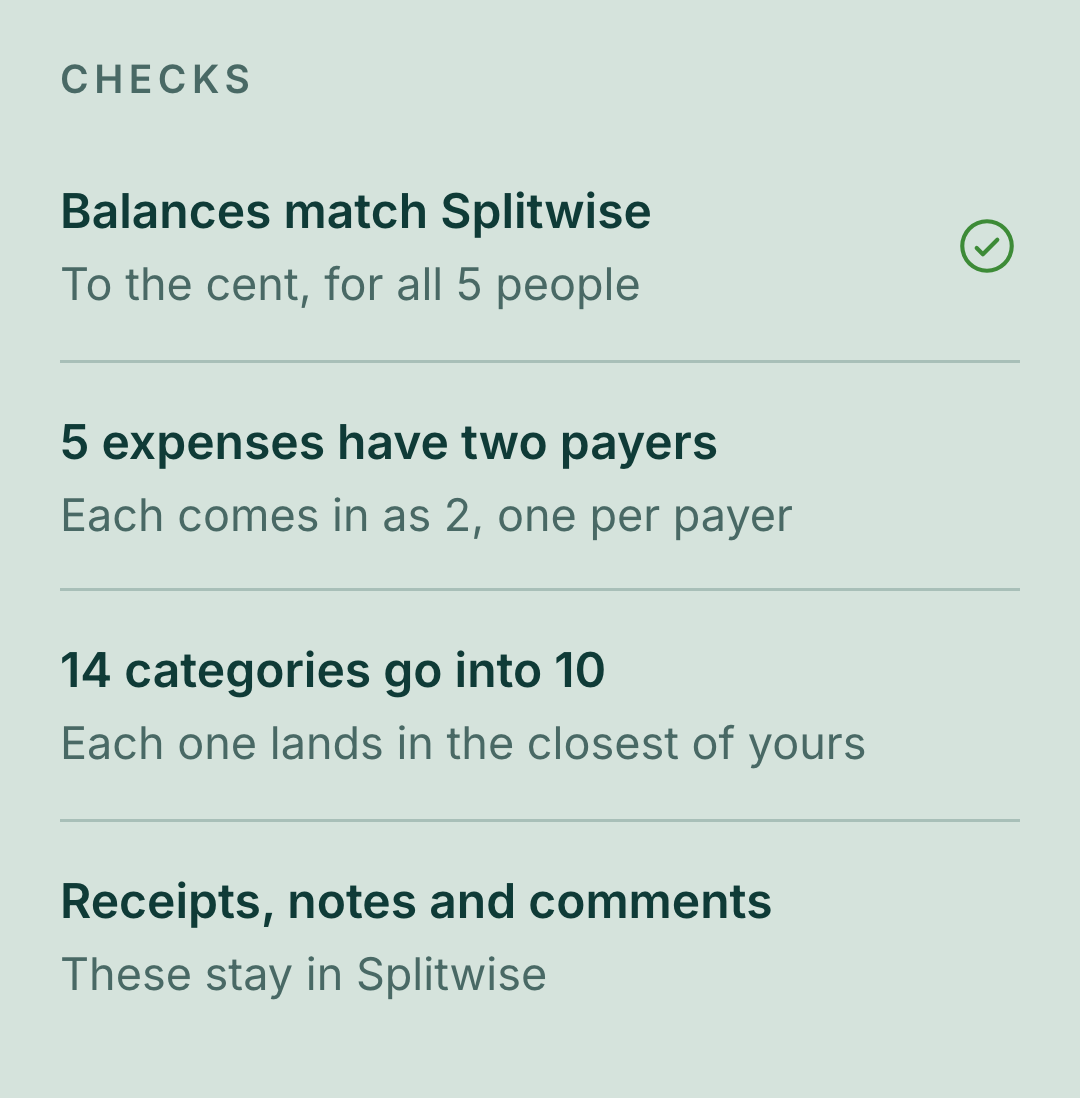
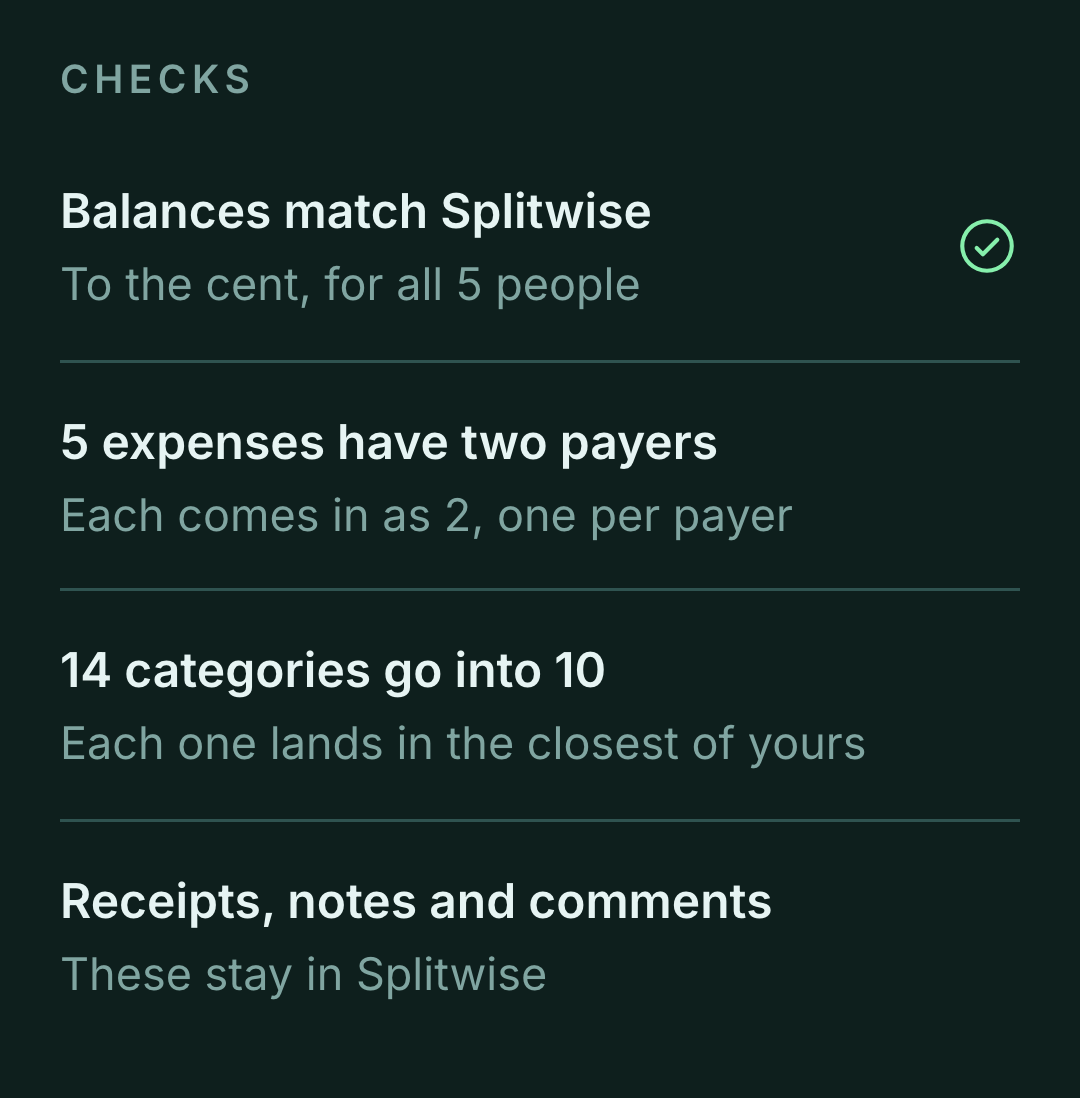
When the totals match, How it lands says so under Checks: balances match Splitwise, to the cent, for every person in the file. Checks also says what changes on the way in. An expense with more than one payer comes in as one expense per payer. Splitwise's categories each land in the closest of yours. Receipts, notes and comments stay in Splitwise.
A file that's wrong in one place can't be trusted in the others.
Where it lands in a nest you already use
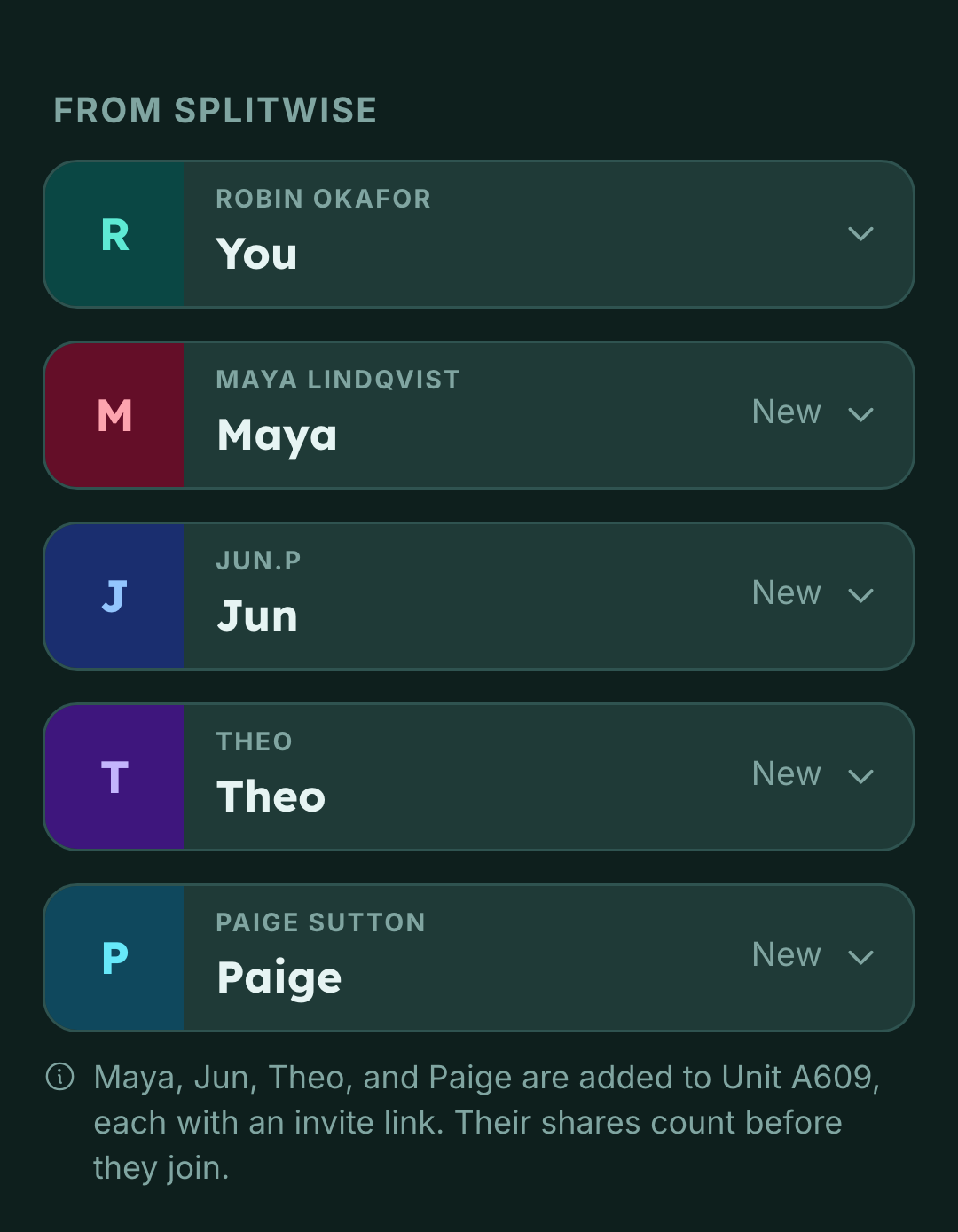
Who's who matches the file's people to the nest's, whether they've joined or not. A person with no match comes in as someone new, with an invite link, and their shares count before they join.
Periods split at the day your current period started. Anything dated on or after that day joins the current period. Everything older becomes one period of its own, placed before it, and never joins a period already in the nest. Years of history don't move the start of the period you're in, and a period you've settled stays as it was. In a nest with nothing open, the whole file becomes one period.
An imported payment is recorded but never closes a period, even one it leaves square. Settling up stays something a person does in Eider.
If you kept adding expenses in both apps for a while, the file will repeat some of them. A row with the same day, amount and currency as something already in the nest is listed on How it lands, with a setting like Leave these 3 out, which starts on. The description isn't compared, because the two apps were typed into separately: Costco in one and Costco run in the other is the case this is for.
If the file is in another currency than the nest, Eider asks first. It can start a new nest in the file's currency, or come into this one with each expense and payment converted at the rate on its date.
Undoing it, importing again, and other CSVs
An import is one row in Activity, named Splitwise import, with the dates the file covers. It sends no one a notification for the expenses it brings in. The row opens a screen on what came in. Its who paid, period and category rows open your expenses, filtered to that import. Each imported expense is marked Splitwise, or Imported for any other CSV.
Undo import takes back every expense and payment the import added, for everyone in the nest. The people it added come off too, unless they've joined or another expense, payment or import includes them. The nest itself stays, even one made for this file. Undo import is there for the person who ran the import, once it has finished, until the nest gets a new payment, whether someone records it or another import brings it in. The file's own payments don't count.
Export the same group again later, import it into the same nest, and only what's new comes in. Eider recognizes a row by its day, description, cost, currency and each person's share, as the file wrote them, so an expense you've edited in Eider since doesn't come in twice. An expense changed in Splitwise counts as new and doesn't replace the old one. With a new day or amount, it comes in beside the old one. With the same day and amount, How it lands lists it like any other row that looks already here, and it stays out unless you turn the setting off.
Any other CSV goes through Match your columns. A bank download has no people in it, so you say who paid and each expense splits by the nest's standing split. Refunds and deposits are left out, and Checks counts them. A file like that has no Total balance row to compare with, so Checks makes no claim about balances.
None of this needs Plus.